Learn to Fly
A penguin, a ramp and a dream.
About Learn to Fly
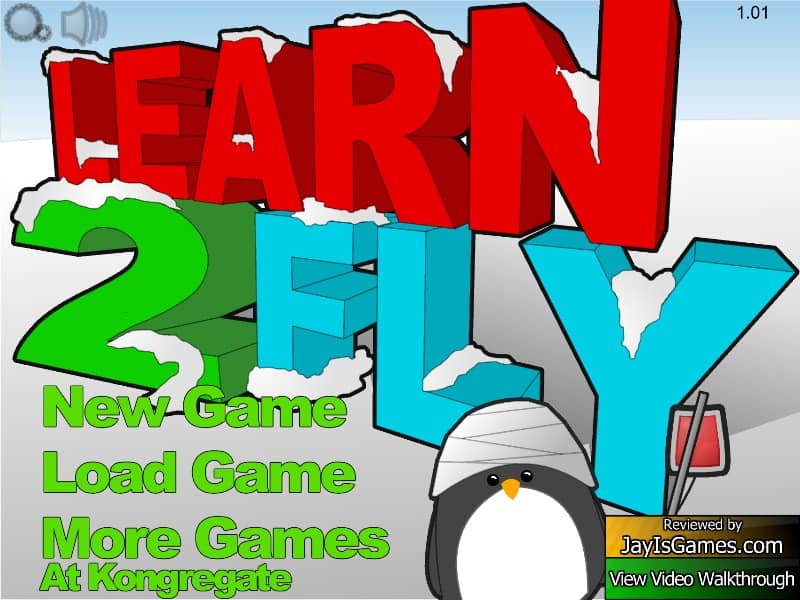
Learn to Fly is a 2009 launch-and-upgrade game by Light Bringer Games, starring a penguin who refuses to accept that penguins can't fly. Every day, the penguin slides down a ramp and launches into the air. Wherever it lands – usually face first in the snow – you earn money for the distance, height and speed of the flight. Between runs, you spend that money on better equipment and try again.
The upgrades are what make it addictive. A longer, steeper ramp gives you more speed off the lip. Sleds make the slide down faster, gliders keep you in the air longer and boosters – rockets of increasing power, with fuel you have to manage – push you further than seemed possible on day one. Goals for distance, altitude, speed and time aloft give you something to aim for and pay extra.
How to play Learn to Fly
- Up and down arrow keys tilt the penguin in the air – nose down to gain speed, nose up to climb or glide.
- Space fires the booster once you have bought one.
- Between runs, use the shop to upgrade the ramp, sled, glider and booster.
Click inside the game first so it receives your key presses.
Why it still holds up
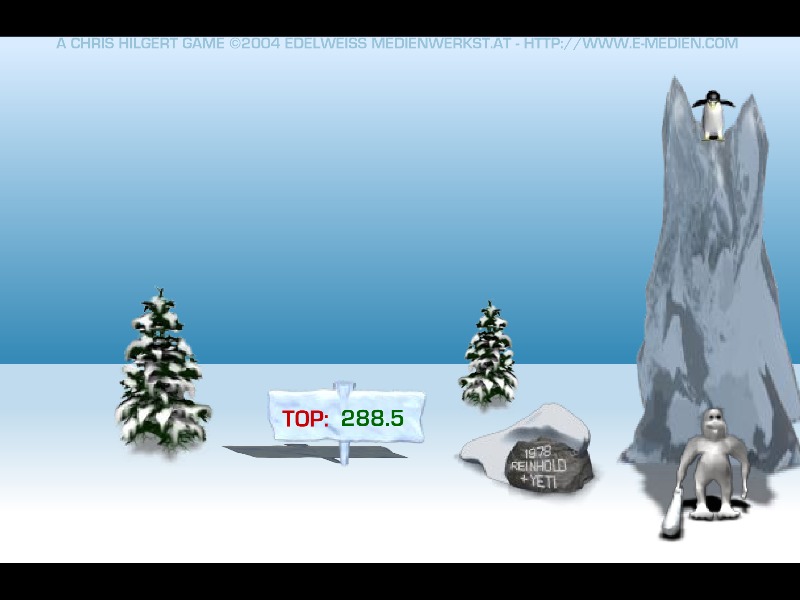
Learn to Fly is the perfect example of the Flash upgrade loop: short runs, visible progress and one more upgrade always just within reach. If you love it, try the other launch classics in the launch & upgrade box, like Burrito Bison or Yeti Sports: Pingu Throw – another penguin who was born to fly, whether it liked it or not.
Stuck? Hints, gentlest first
Hint 1 – ramp first
Early on, the ramp gives you the most distance per coin. Upgrade its height and length before you buy expensive gadgets.
Hint 2 – save the boost
Don't fire your rocket the moment you leave the ramp. Glide first, and use the boost when your speed starts to drop to stretch the flight.
Hint 3 – goals pay
The goals for distance, height, speed and flight time pay bonus money. Do runs aimed at one goal at a time – a steep, high launch for height, a flat glide for distance.
Learn to Fly came out in 2009 by Light Bringer Games and became one of the defining upgrade games of the Flash era. The sight of a determined little penguin crashing into the snow, day after day, until it finally soared, was something everyone who played it remembers.
It led to two sequels, Learn to Fly 2 and Learn to Fly 3.
FAQ
Is it Learn to Fly or Learn 2 Fly?
The game's title is Learn to Fly; "Learn 2 Fly" is a common spelling of the same game. This is the first game of the series.
Are there sequels to Learn to Fly?
Yes. Light Bringer Games made Learn to Fly 2 and Learn to Fly 3, which add more gadgets, goals and story.
Can I still play Learn to Fly in 2026?
Yes. Adobe stopped supporting Flash in 2020, but Learn to Fly runs on this page through a Flash emulator built into the player. Press Play and it starts in a few seconds.
Do I need Flash Player to play Learn to Fly?
No. You don’t need to install Adobe Flash Player, a plugin or any download. Learn to Fly runs in any modern browser such as Chrome, Firefox, Edge or Safari.
Can I play Learn to Fly on my phone?
Learn to Fly was made for a keyboard, so it plays best on a computer. Mobile browsers can load it, but without a keyboard the controls are hard to use.
Who made Learn to Fly?
Learn to Fly was made by Light Bringer Games and released in 2009. The game belongs to its creator; FlashAttic only embeds it so it can still be played.
Does Learn to Fly save my progress?
FlashAttic remembers that you played Learn to Fly and for how long on this device. Whether the game saves your level depends on the game itself – many Flash games use level codes or their own save slot.