Pixelo
About Pixelo
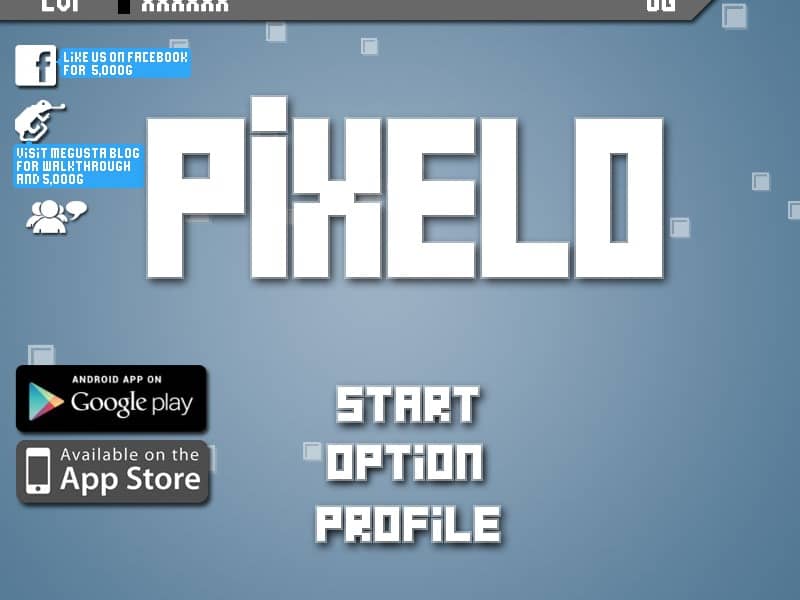
A puzzle game where players manipulate colored pixels to match patterns and solve increasingly complex challenges.
How to play Pixelo
In PiXELO, your objective is to rearrange colored pixels on a grid to match the target pattern shown. Each level presents you with a scrambled arrangement of colored squares that you must organize by clicking and dragging individual pixels to their correct positions. The game starts with simple patterns but quickly introduces larger grids and more complex designs that require strategic thinking. As you progress, you'll need to plan your moves carefully since pixels can only be moved to adjacent empty spaces, creating a sliding puzzle mechanic. Focus on solving one color section at a time, starting from the edges and working inward to avoid getting stuck. The challenge increases as grids become larger and patterns more intricate, requiring you to think several moves ahead. During tense moments when the board is nearly complete, pay close attention to the remaining misplaced pixels and plan their sequence of movement to efficiently complete the pattern without unnecessary steps.
FAQ
Can I still play Pixelo in 2026?
Yes. Adobe stopped supporting Flash in 2020, but Pixelo runs on this page through a Flash emulator built into the player. Press Play and it starts in a few seconds.
Do I need Flash Player to play Pixelo?
No. You don’t need to install Adobe Flash Player, a plugin or any download. Pixelo runs in any modern browser such as Chrome, Firefox, Edge or Safari.
Can I play Pixelo on my phone?
Usually, yes. Pixelo is played with the mouse, so taps work in most mobile browsers – although a computer still gives the best experience.
Who made Pixelo?
Pixelo was made by Nitrome and released in 2008. The game belongs to its creator; FlashAttic only embeds it so it can still be played.
Does Pixelo save my progress?
FlashAttic remembers that you played Pixelo and for how long on this device. Whether the game saves your level depends on the game itself – many Flash games use level codes or their own save slot.